 |
|
 |
|
Step 2 |
||
|
|
|
 |
||
|
|
|
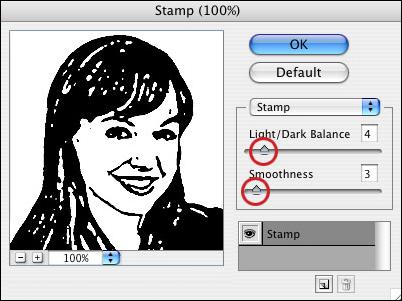
Go to Filter > Sketch > Stamp. With the default colors, you'll see a “rubber stamp” of the photo. Adjust the Light/Dark Balance and Smoothness until you have a clean, recognizable black and white image. (In this example, I used a L/D of 4 and a Smoothness of 3.) |
||
|
|
|
 |
 |
|||
|
|
|
|
|
| Close Window | ||
|
|
|