 |
|
 |
|
Step 6 |
||
|
|
|
 |
||
|
|
|
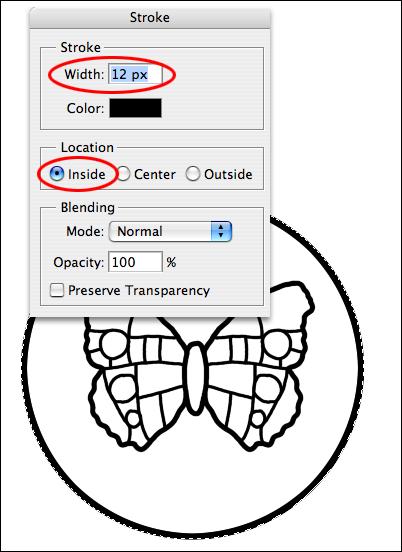
Next, add a circle around the butterfly. Use the Elliptical Marquee tool, and hold the Shift key down while dragging out a circle. Move the circle until the butterfly is smack dab in the middle. Stroke the circle with a 12 pixel inside black stroke (Edit > Stroke). |
||
|
|
|
 |
 |
|||
|
|
|
|
|
| Close Window | ||
|
|
|